Decluttering Your Digital Desktop Environment
by admin in Productivity & Tools 114 - Last Update November 28, 2025
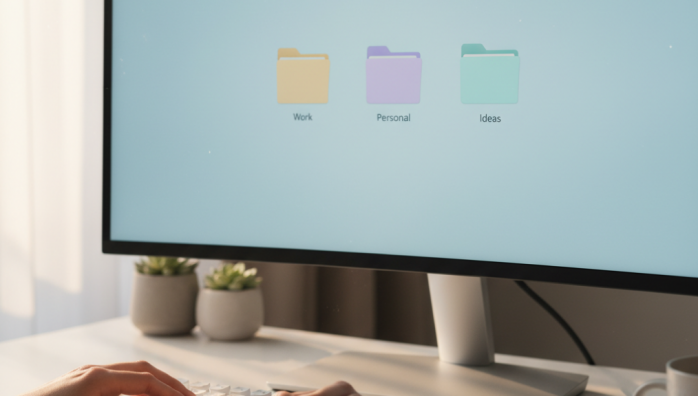
I used to treat my desktop like a digital junk drawer. It was a chaotic mess of screenshots, random downloads, and project files I\'d half-forgotten. Honestly, I told myself it was \'organized chaos,\' but the truth is, it was just chaos. Every time I booted up my computer, I was hit with a wave of low-grade anxiety. It wasn\'t until I started applying minimalist principles to my physical space that I had an \'aha\' moment: why wasn\'t I doing the same for my most-used digital space?
The myth of the \'temporary\' file
My biggest mistake was believing in the concept of a \'temporary\' file on the desktop. A screenshot for a quick email, a downloaded PDF I needed to read once—they all landed there. But \'temporary\' almost always became \'permanent.\' The digital clutter built up because I lacked a simple, non-negotiable system. I tried complex folder structures and fancy automation apps, but they just added another layer of complexity. The real breakthrough came when I stopped trying to outsmart the clutter and instead created a system that was too simple to fail.
My \'Action, Archive, Assets\' system
After much trial and error, I landed on a system that has stuck with me for years. It\'s based on three core folders that live on my desktop. Everything, and I mean everything, must go into one of these three folders by the end of the day. No exceptions.
The three essential folders
- INBOX: This is the landing zone. All new downloads, screenshots, and unsorted files go directly here. It\'s the only place for temporary items, and the rule is to clear it to zero daily.
- PROJECTS: This folder contains sub-folders for every active project I\'m working on. It’s my active workspace. Once a project is complete, the entire folder gets moved out.
- ARCHIVE: This is where completed project folders and important files that I need to keep but don\'t need to access daily are moved. This folder itself doesn\'t even live on my desktop; it\'s in my main documents directory, but I keep a shortcut handy.
The end-of-day shutdown ritual
This is the habit that makes the entire system work. Before I shut down my computer for the day, I take two minutes—literally, just 120 seconds—to process my desktop. I drag everything into the \'INBOX\' folder. Then, I open the \'INBOX\' folder and quickly sort its contents: file it in a project, move it to the archive, or delete it. I was surprised at how much I could simply delete. This small ritual ensures I start every single day with a clean slate, both on my screen and in my head. The mental clarity it provides is astonishing and has had a far greater impact on my focus than any fancy productivity app ever did.