Why I Ditched My Complicated To-Do List App for a Simple Text File
by admin in Productivity & Tools 122 - Last Update December 6, 2025
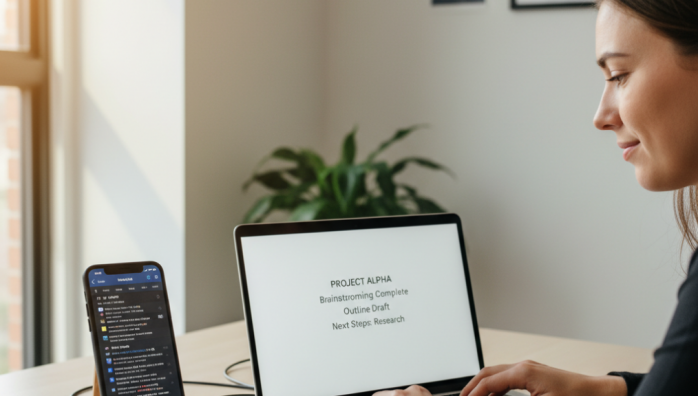
I used to be a to-do list app junkie. I tried them all—the ones with gamification, the ones with complex tagging systems, the ones that promised to organize my entire life with AI. For a while, it felt like I was on top of things. But honestly, I was spending more time managing my task manager than actually doing my tasks. The constant notifications, the feature bloat, and the pressure to categorize every single thought became a source of anxiety, not productivity. It was digital clutter disguised as organization.
The turning point was surprisingly simple
One afternoon, completely overwhelmed by a color-coded list of \'urgent\' tasks, I had a thought: what did I actually need to do *today*? I opened a plain text editor, typed out three bullet points, and closed the fancy app. The sense of relief was immediate. There were no settings to tweak, no projects to assign, no due dates to fiddle with. There was only the work. That was my \'aha\' moment. I realized the most powerful tool was the one that got out of my way the fastest.
My ridiculously simple text file system
My system, which I still use every day, is almost laughably basic, and that\'s its superpower. It’s a single file named `todo.txt` that lives in a cloud-synced folder so I can access it from my phone or laptop. Here’s what it looks like:
I use simple markers:
- [ ]for an open task- [x]for a completed task
And I organize it with simple headings like:
## TODAY## THIS WEEK## LATER/IDEAS
At the end of each day, I take two minutes to move any unfinished tasks from \'TODAY\' to the next day and select my new priorities. The physical act of typing, deleting, and rearranging feels more intentional than dragging and dropping an icon. It forces a moment of reflection that I never got from an automated system.
The unexpected benefits of \'dumb\' technology
Switching to a text file brought a level of focus I hadn\'t felt in years. Firstly, there are zero distractions. No badges, no pop-ups, no \'pro-version\' upsells. It\'s just me and my words. Secondly, it\'s incredibly fast. Opening a text file is instantaneous, unlike a bloated app that needs to sync and load. Lastly, it created a sense of ownership and calm. My list is a simple, finite document, not an infinite, algorithm-driven feed of my own obligations. It\'s a tool, not a boss.
I know this system isn\'t for everyone. If you\'re managing a large team with complex dependencies, a simple text file won\'t cut it. But if you, like me, are a solo worker or just trying to manage your personal life, you might find that the most profound productivity hack is stripping your tools back to the bare essentials. I ditched complexity, and in return, I found clarity.