Why I Quit Time-Blocking (And What I Do Instead for ADHD)
by admin in Productivity & Tools 261 - Last Update November 27, 2025
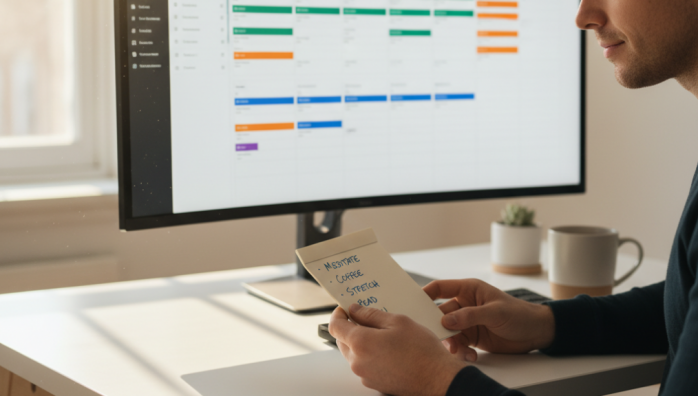
For years, I was told that time-blocking was the holy grail for a chaotic ADHD brain like mine. The advice was everywhere: schedule every minute of your day, and you\'ll finally gain control. I tried. I really did. I bought the planners, downloaded the apps, and created beautifully color-coded calendars that were, in theory, masterpieces of productivity. But in practice, they were monuments to my own failure. One unexpected phone call or a task that took 15 minutes longer than planned would shatter the entire structure, leaving me feeling defeated and more scattered than when I started. It was a vicious cycle of planning, failing, and feeling immense guilt. I honestly thought something was wrong with me.
The fundamental problem with rigid schedules
After burning out on this cycle one too many times, I had a realization. The problem wasn\'t my discipline; it was the tool itself. Rigid time-blocking is fundamentally at odds with how my ADHD brain operates. It doesn\'t account for three critical things: time blindness, the need for novelty, and fluctuating energy levels. I can\'t always predict if a task will take 30 minutes or send me down a two-hour hyperfocus rabbit hole. A rigid schedule demands predictability, while my brain thrives on flexibility. Forcing it into a minute-by-minute box was like trying to fit a square peg in a round hole—exhausting and completely ineffective.
My turning point: embracing \'time-chunking\' instead
Quitting time-blocking wasn\'t an act of giving up. It was an act of self-compassion. I decided to stop fighting my brain and start working with it. I stumbled upon a more forgiving concept that I\'ve adapted for myself: time-chunking, or what I sometimes call \'theme blocking.\' Instead of scheduling a specific task, I now schedule a *type* of task. It\'s a subtle shift, but it has made all the difference in the world.
How i build my week now
My calendar looks much different these days. It’s simpler, with large, flexible blocks of time dedicated to a general theme. Here’s a breakdown of what works for me:
- Morning Chunks (High Energy): My mornings are usually when my focus is sharpest. So, I have a 3-hour block simply labeled \"Deep Work.\" During this time, I can tackle anything that requires intense concentration—writing, strategic planning, or problem-solving. I don\'t decide the specific task until that morning.
- Afternoon Chunks (Lower Energy): My energy naturally dips after lunch. This block is labeled \"Shallow Work.\" It\'s reserved for answering emails, making phone calls, filing paperwork, and other low-cognitive-load tasks. Grouping them together stops them from interrupting my deep work sessions.
- Flex Chunks: I build in one or two \"Flex\" blocks during the week. These are my safety valves. I can use them to catch up on work that\'s spilled over, pursue a new idea, or—and this is crucial—take a break without feeling guilty.
Within each chunk, I work from a short, prioritized list of 2-3 tasks. This gives me the structure I need to stay on track but the freedom to choose what to work on based on my energy and focus at that exact moment. It’s a system built on guidance, not governance. Quitting the rigidity of time-blocking didn\'t lead to chaos; it led to sustainable, guilt-free productivity that finally feels natural.