Tracking personal goals with visual dashboards
by admin in Productivity & Tools 99 - Last Update November 23, 2025
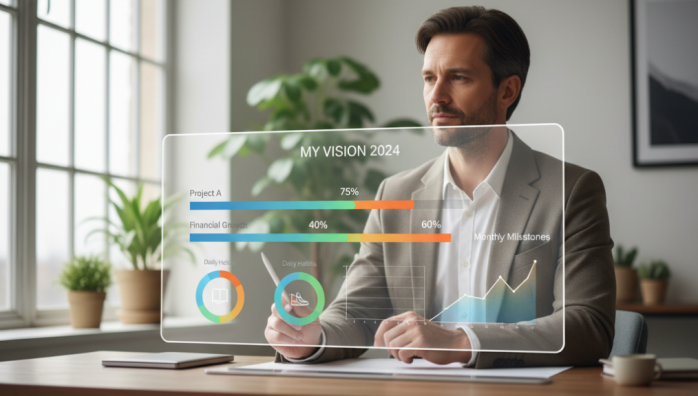
For years, my personal goals lived in a spreadsheet. It was logical, organized, and utterly soul-crushing. Rows of text, percentages in cells, and due dates staring back at me felt less like a roadmap to a better self and more like a tax return for my ambitions. I was tracking progress, sure, but I wasn\'t *feeling* it. The connection was missing, and my motivation often cratered.
Why visual dashboards changed everything for me
The turning point came when I stopped thinking like an accountant and started thinking like a human. Our brains are wired for visual information. A single picture can convey more than a paragraph of text, and I wondered if I could apply that to my own goals. Shifting from a text-based list to a visual dashboard was like going from a black-and-white movie to full-color IMAX. Suddenly, my progress wasn\'t just data; it was a story I could see at a glance.
The power of a single glance
Honestly, the biggest change was the reduction in cognitive load. Instead of having to read and process lines of text to understand where I stood, I could now absorb the status of my entire life\'s goals in about three seconds. A quick look tells me which habits are strong, which projects are lagging, and where my focus needs to be. This frees up so much mental energy that I used to spend just trying to get organized.
Motivation through visible micro-wins
I realized that a progress bar inching towards 100% gives me a small dopamine hit that a cell changing from \'50%\' to \'51%\' never could. Seeing a \'habit heatmap\' fill up with green squares creates a chain I\'m psychologically driven not to break. These visual cues are powerful motivators. They turn abstract goals into a tangible game you\'re playing against your former self, and it’s a game you genuinely want to win.
The core components of my personal dashboard
I\'ve tinkered with my dashboard for years, and it\'s constantly evolving. But a few core components have proven so effective that they’ve become permanent fixtures. I didn\'t get here overnight; this is the result of a lot of trial and error.
- Long-term goal progress bars: For big, year-long objectives like \'Read 40 Books\' or \'Complete Professional Certification\'. Simple, clean, and incredibly satisfying to watch fill up.
- Habit heatmaps: A calendar-style grid for daily habits like \'Morning workout\' or \'Meditate\'. Seeing an unbroken streak of colored squares is a huge psychological incentive.
- Project \'traffic lights\': For my main 3-4 projects, I use a simple red, yellow, or green dot. It’s an honest, immediate check-in. Green means on track, yellow means there are some roadblocks, and red means I’m stuck. It forces me to confront issues before they fester.
- Energy level donuts: A simple pie or donut chart where I track my mental, physical, and creative energy each week. It helps me see patterns and avoid burnout before it happens.
The biggest mistake i made when i started
When I first built my dashboard, I went overboard. I tried to visualize and track every single metric I could think of—water intake, screen time, number of emails sent. It was a cluttered, anxiety-inducing mess that looked more like an airplane cockpit than a tool for clarity. The hard-learned lesson was this: a dashboard\'s power lies in its simplicity. I eventually scrapped it all and started over, focusing only on the few \'keystone\' metrics that truly indicated progress toward my most important goals. Less is definitely more.
Ultimately, a visual dashboard isn\'t just a tracking tool. For me, it has become a reflection of my intentions. It’s a quiet, visual conversation with myself about what truly matters, and it’s been one of the most effective productivity systems I\'ve ever adopted.