Time Blocking Your Productive Hours
by admin in Productivity & Tools 115 - Last Update December 6, 2025
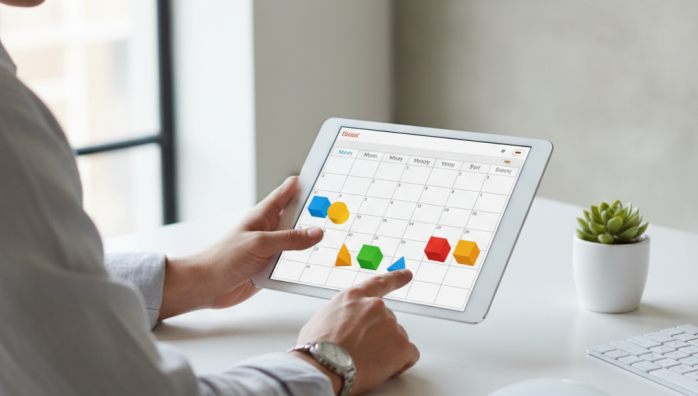
I used to stare at my to-do list with a sense of dread. It was a long, intimidating scroll of tasks, and I’d end my days feeling busy but not productive. I’d heard about time blocking, but the idea of a rigid, color-coded calendar felt suffocating. It seemed like a system for robots, not for creative, and sometimes chaotic, thinkers like me. Honestly, I resisted it for years, convinced it would kill my flexibility.
What time blocking actually is (and isn\'t)
After hitting a productivity wall, I decided to give it a real try. I quickly learned that my initial perception was wrong. Time blocking isn\'t about shackling yourself to a schedule. For me, it became an exercise in intention. It’s the practice of assigning a specific job to every hour of your workday. Instead of a list of things you *could* do, you have a concrete plan for what you *will* do, and when. It’s the difference between having a grocery list and having a recipe with step-by-step instructions.
My first attempts were a complete disaster
I’d be lying if I said it worked overnight. My first few time-blocked calendars were beautiful, aspirational works of fiction. I scheduled my day down to the minute, with no room for a coworker to ask a question or for a task to take longer than expected. By 10 AM, my perfect schedule would be completely derailed, and I’d feel like a failure. I\'d give up and go back to my chaotic to-do list. The problem wasn\'t the system; it was my rigid, unrealistic application of it.
The \'aha\' moment: it\'s about your energy, not just the clock
My breakthrough came when I stopped thinking about time and started thinking about energy. I realized I have about two to three \'golden hours\' in the morning where my focus is sharp and I can tackle complex, creative problems. The afternoon, after lunch, is when my energy dips, making it perfect for emails, meetings, and administrative tasks. Instead of fighting my natural rhythm, I decided to build my schedule around it. This single shift in perspective changed everything.
How I implement time blocking today
My current system is flexible and built for the real world. It’s less of a strict timetable and more of a guide that directs my focus. Here\'s the simple process I\'ve honed over time:
- Identify the priorities: At the start of each week, I decide on the 2-3 most important things that I must accomplish. These are my \'big rocks\'.
- Block the \'big rocks\' first: I immediately find 90-minute slots during my morning \'golden hours\' and block them out for these high-priority tasks. This ensures that no matter what else happens, my most important work gets my best energy.
- Schedule the shallow work: I then create blocks for \'shallow work\' like responding to emails or messages. I usually batch these into one or two 45-minute blocks per day to prevent them from constantly interrupting my flow.
- Leave empty space: This was the game-changer. I now intentionally leave 30-60 minute buffer blocks in my calendar. This empty space absorbs the unexpected—the urgent request, the phone call, or just the need for a coffee break. It gives my schedule the flexibility to bend without breaking.
Why it works for me
For me, time blocking isn\'t about control; it\'s about freedom. It frees me from the constant, low-grade anxiety of an overwhelming to-do list. I no longer waste mental energy deciding what to work on next. The decision is already made. By being intentional with my most productive hours, I get more meaningful work done and, ironically, feel more spontaneous and relaxed during my downtime.