Optimizing developer workflow with keyboard shortcuts
by admin in Productivity & Tools 138 - Last Update November 23, 2025
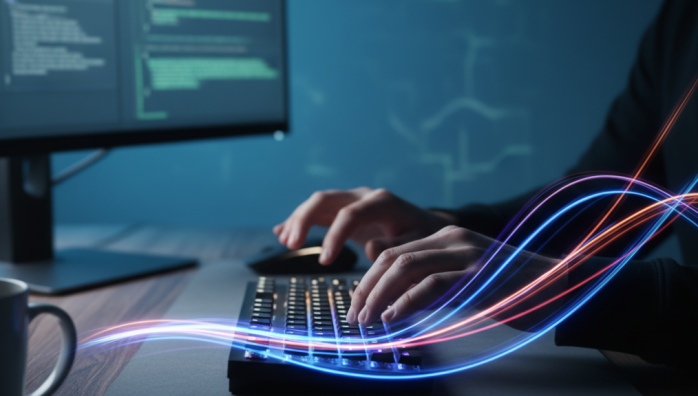
I have a confession to make. For the first few years of my career, I was a \'mouse-first\' developer. I clicked everything. Opening files, running builds, navigating tabs—my right hand was in a constant dance between the keyboard and the mouse. It felt normal, until I shared a screen with a senior developer who seemed to make code appear by magic. Their hands never left the keyboard. That\'s when I realized the friction I had accepted as \'just how things are\' was actually a massive, self-imposed bottleneck.
My shift from memorization to muscle memory
My first attempts were clumsy. I tried to memorize long lists of shortcuts I found online, and frankly, it was a disaster. I\'d forget them a day later and revert to the mouse out of frustration. The breakthrough came when I stopped trying to learn \'all\' the shortcuts and started focusing on \'my\' shortcuts. I began to consciously observe my own actions for a few days. What was I clicking on most frequently? The answer was surprisingly consistent: navigating between files, running the linter, and searching the entire project.
The one-a-day habit that actually stuck
Instead of a massive list, I decided to learn just one new shortcut a day. I\'d write it on a sticky note and put it on my monitor. For that entire day, I would force myself to use the shortcut, no matter how slow it felt initially. It was awkward. Sometimes it was slower than just clicking. But after a week, the first few shortcuts started to feel natural. After a month, I was navigating my IDE with a speed I never thought possible. The sticky notes were gone, and the actions were baked into my muscle memory.
The real goal isn\'t speed, it\'s flow
Here’s the thing I misunderstood at the beginning: the primary benefit isn\'t just about saving a few seconds here and there. It\'s about preserving your mental state—your flow. Every time I reached for the mouse, it was a micro-interruption. A tiny context switch that broke my concentration. By keeping my hands on the keyboard, I can stay fully immersed in the problem I\'m solving. The editor, the terminal, the browser—they stop being separate applications I have to manage and become extensions of my thoughts.
Building a unified shortcut system
One of the most impactful things I did was to harmonize shortcuts across my most-used tools. For instance, I configured the shortcut for switching tabs to be the same in my IDE, my terminal, and my web browser. This consistency is key. It reduces the cognitive load of having to remember different commands for the same logical action. It took an hour or two to set up, but the long-term payoff in mental clarity has been immeasurable. It\'s about creating a seamless environment where the tools get out of your way and let you focus on the code.
Where to start your own journey
If you\'re where I was, feeling chained to the mouse, don\'t try to boil the ocean. Start small. Identify the top three repetitive actions you perform every hour. Look up the shortcuts for just those three things. Practice them. It won\'t feel efficient at first, but stick with it. The goal isn\'t to become a keyboard ninja overnight. It\'s about making small, incremental changes that compound over time to fundamentally change how you interact with your machine, freeing up your most valuable resource: your focus.