Designing a Clean and Simple Desktop
by admin in Productivity & Tools 121 - Last Update December 4, 2025
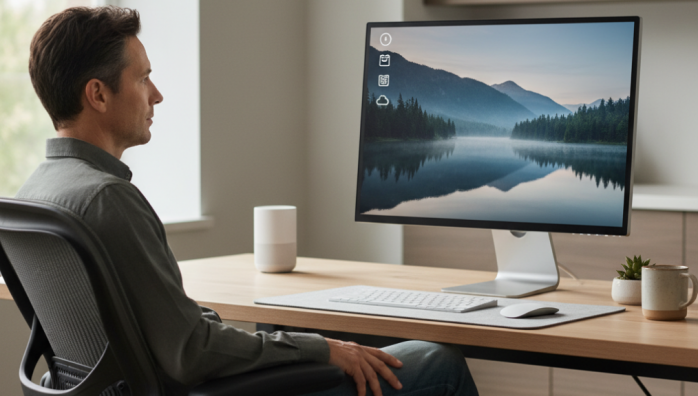
For years, my desktop was a digital representation of a cluttered mind. It was covered in a chaotic mosaic of project folders, random screenshots, and installer files I\'d long forgotten. I told myself it was \'organized chaos,\' but honestly, it was just chaos. Every time I booted up my computer, I was met with a wall of visual noise that drained my energy before I even started working. It took me a while to realize this digital environment was actively working against my productivity and peace of mind.
The turning point: why less is so much more
I remember the specific moment it clicked. I was searching for a single document, a task that should have taken seconds, but it took me nearly ten minutes of frantic scanning and searching. It was a small frustration, but it was the final straw. I realized my desktop wasn\'t a tool; it was a roadblock. The promise of a clean, simple desktop wasn\'t just about aesthetics for me; it was about reclaiming mental bandwidth. I\'ve found that a minimalist digital space creates a sense of calm and control, allowing me to focus on the task at hand rather than being distracted by the digital clutter I\'ve accumulated.
My personal principles for a clean desktop
After a lot of trial and error, I\'ve settled on a few core principles that guide my digital organization. These aren\'t rigid rules, but rather a philosophy that helps maintain order without adding complexity.
Principle 1: The desktop is a temporary workspace
I had to fundamentally change how I viewed my desktop. It\'s not a permanent storage cabinet. I now treat it like a physical workbench: you bring out the tools and materials you need for the current project, and when you\'re done, you put them away. Nothing lives on the desktop permanently. This single shift in mindset was probably the most impactful change I made.
Principle 2: Every file needs a home
The key to keeping the desktop clear is having a simple, intuitive filing system elsewhere. If a file doesn\'t have a designated home, it will inevitably end up on the desktop. I created a very basic folder structure within my \'Documents\' folder that everything flows into. For me, it\'s as simple as \'Active Projects,\' \'Reference,\' and \'Archive.\' That\'s it. Anything new gets sorted into one of those three places at the end of the day.
The practical steps I took to get here
Thinking about it is one thing, but taking action is another. Here’s the simple, step-by-step process I followed, which you can easily adapt.
- The \'Desktop Zero\' purge: I created a single folder on my desktop called \'_OLD_DESKTOP\' and dragged every single item into it. This instantly gave me a clean slate. It felt incredible. Over the next month, I\'d only pull items out of that folder as I needed them, placing them in their new, proper home. Whatever was left after a month was likely junk, and I deleted the folder without looking back.
- Culling the dock and taskbar: I was ruthless. I removed every single application icon except for my web browser, my file explorer, and my primary work application. If I don\'t use it multiple times every single hour, it doesn\'t deserve a spot. I can launch everything else with a simple search.
- Choosing a calming wallpaper: I used to have busy, high-energy wallpapers. I swapped them for something incredibly simple: a subtle gradient, a minimalist abstract shape, or a serene, out-of-focus landscape. The goal is to have a background that calms the eye, not one that demands attention.
Maintaining this system isn\'t a chore. It\'s a simple habit. At the end of each workday, I take literally 60 seconds to move any new files from my desktop or downloads folder into their designated homes. It\'s a small closing ritual that ensures I start the next day with a clean, focused, and simple workspace. It\'s one of the best productivity habits I\'ve ever built.